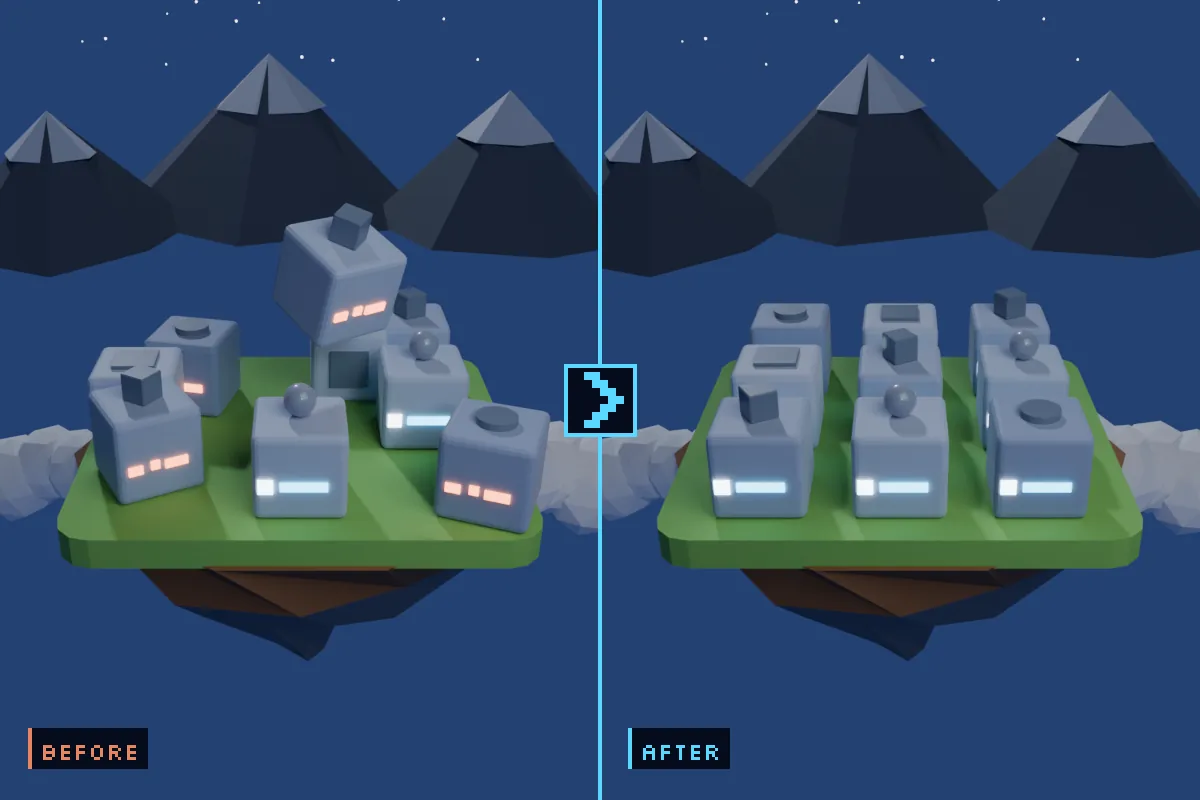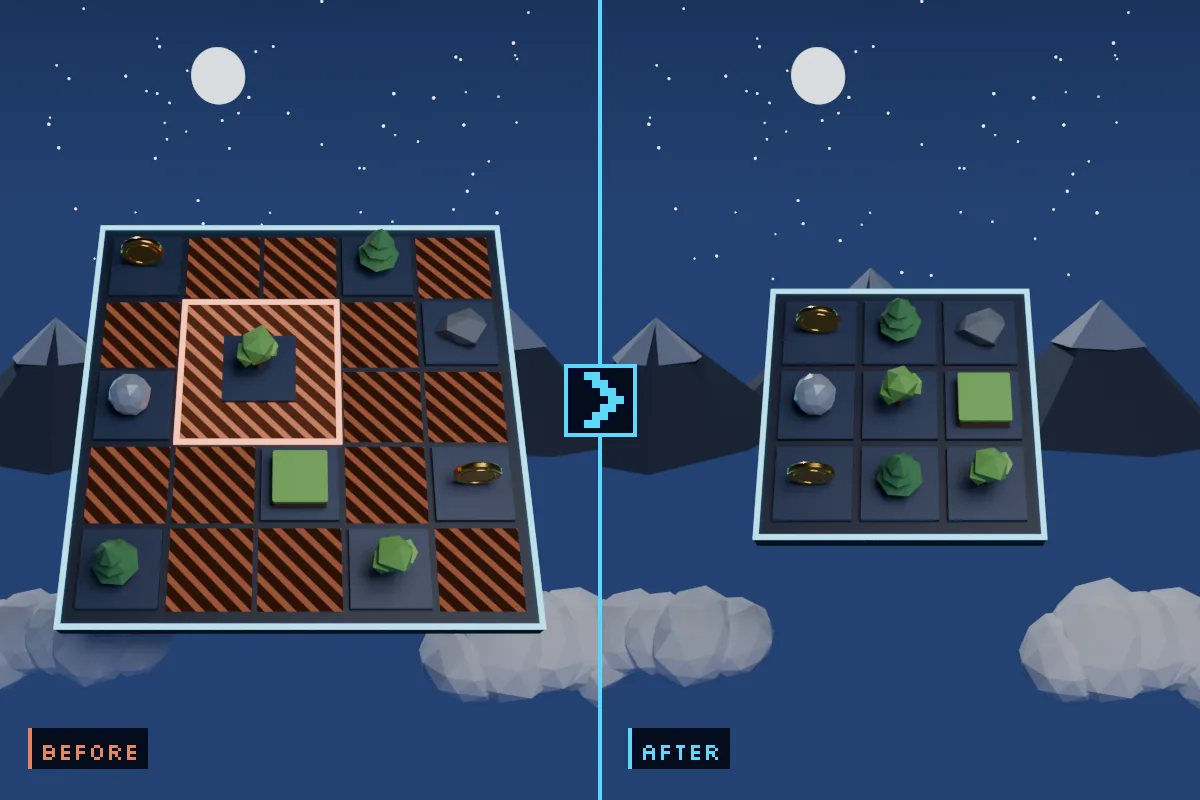
Overview
What it does
Measures every sprite. How much of each rectangle actually draws something, sorted worst-first, with the holes left inside the tight box reported separately.
Costs it out at the atlas level. Estimated page size, page count and uncompressed memory, before and after cropping — plus the page shrinkers: the sprites whose removal alone would take the atlas down a whole power of two.
Shows you where the page went. Two donut charts split the estimated page into effective texels, trimmable area, padding and free space, and rank the six worst sprites by absolute trimmable texels.
Hands the artist a CSV. One row per sprite with a crop box per file, given in both Unity’s bottom-left coordinates and the top-left ones Photoshop, Aseprite and GIMP want.
Fixes it, reversibly. Tight sprite mesh, tight atlas packing, and an in-place PNG crop that backs up the original and re-anchors the pivot so nothing moves in your scenes. Every batch lands in a History panel with a Revert button.
Knows when to stop. 9-sliced sprites and frames of a sliced sheet are detected and protected from cropping, with the reason shown in the row.
Install, after purchase
- Download the
.unitypackagefrom the link you receive after purchase. - In Unity: Assets ▸ Import Package ▸ Custom Package… and pick it.
- Leave everything ticked, click Import.
- Open Tools ▸ Sprite Atlas Waste Reporter ▸ Waste Report Window and click Scan.
There is nothing to configure. A Demo folder is included with an atlas built to produce every kind of finding — a blank file, an icon on a canvas eight times too large, a sliced coin sheet, a 9-sliced panel that is correctly left alone, and one character sprite single handedly keeping the atlas at 2048. Scan that first, then point the tool at your own art.
Requirements
- Unity 2022.3 LTS or newer. Verified on 2022.3, Unity 6000.4, 6000.5 and 6000.6.
- Built-in, URP and HDRP alike — the assembly references no pipeline types.
- Both atlas formats: legacy
.spriteatlasand Sprite Atlas V2. - Editor-only assembly. Nothing compiles into a player, so it adds zero bytes to your build.
- No dependencies, no DLLs, no account, no network calls. Full C# source included.
One honest caveat
Page sizes and megabytes are modelled, not packed — packing the real atlas would force a reimport you did not ask for. The model always rounds to a square page and Unity often packs a non-square one, so every page figure is an upper bound. The direction and the ratio are reliable; the absolute megabytes are a ballpark. Waste per sprite is measured from real pixels and carries no such caveat.
Changelog
Support
Report looks wrong, or a sprite you expected to see is missing? Include your Unity version, the render pipeline and the CSV row. Email chaturvedisuryadev1@gmail.com.