Overview
What it does
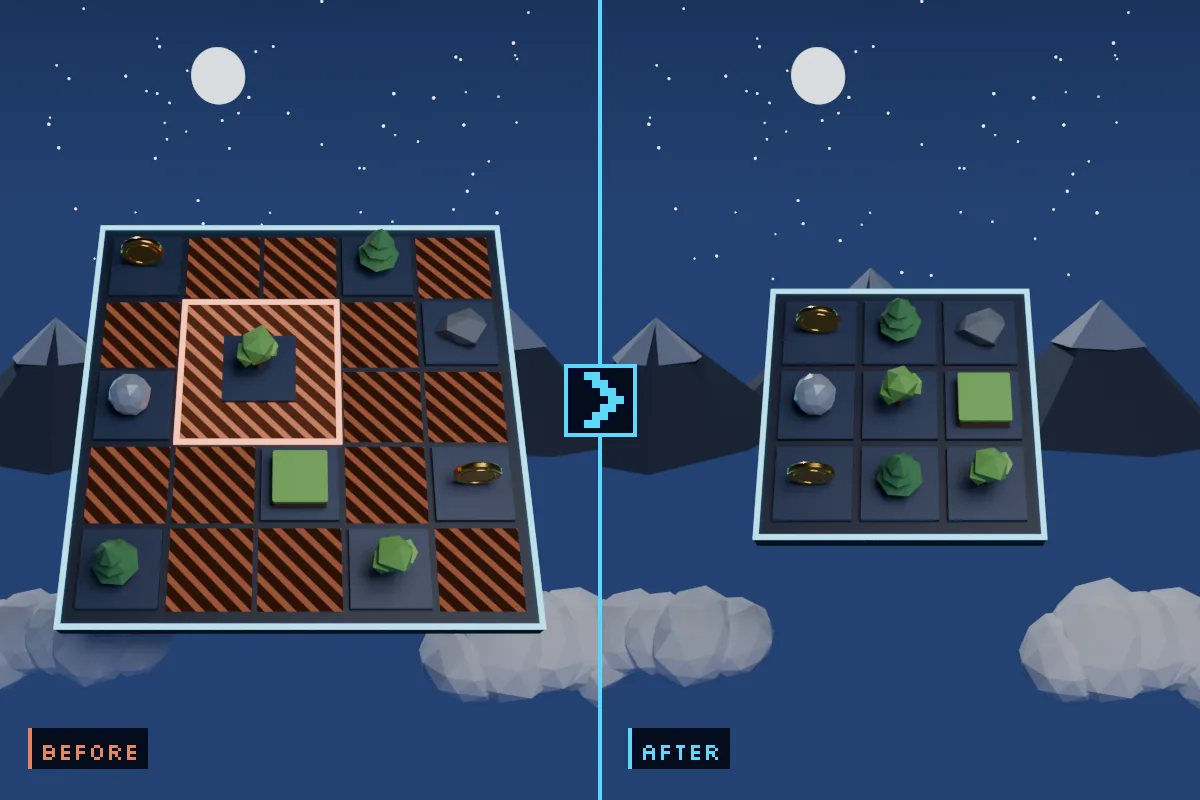
Finds the problems. Casing, required prefixes and suffixes, length, custom regex, wrong folder — plus the checks that need no rule at all: illegal characters, non-ASCII names, duplicate names, junk words (copy, final, temp, WIP), empty folders, files loose in the Assets root, and paths long enough to hit the Windows limit.
Fixes them safely. See every rename before it happens. Collisions resolve automatically, missing folders are created, and each move is validated before anything is written to disk.
Lets you take it back. Ctrl+Z does not cover AssetDatabase moves, so every batch is recorded to a Fix Journal you can revert with one click.
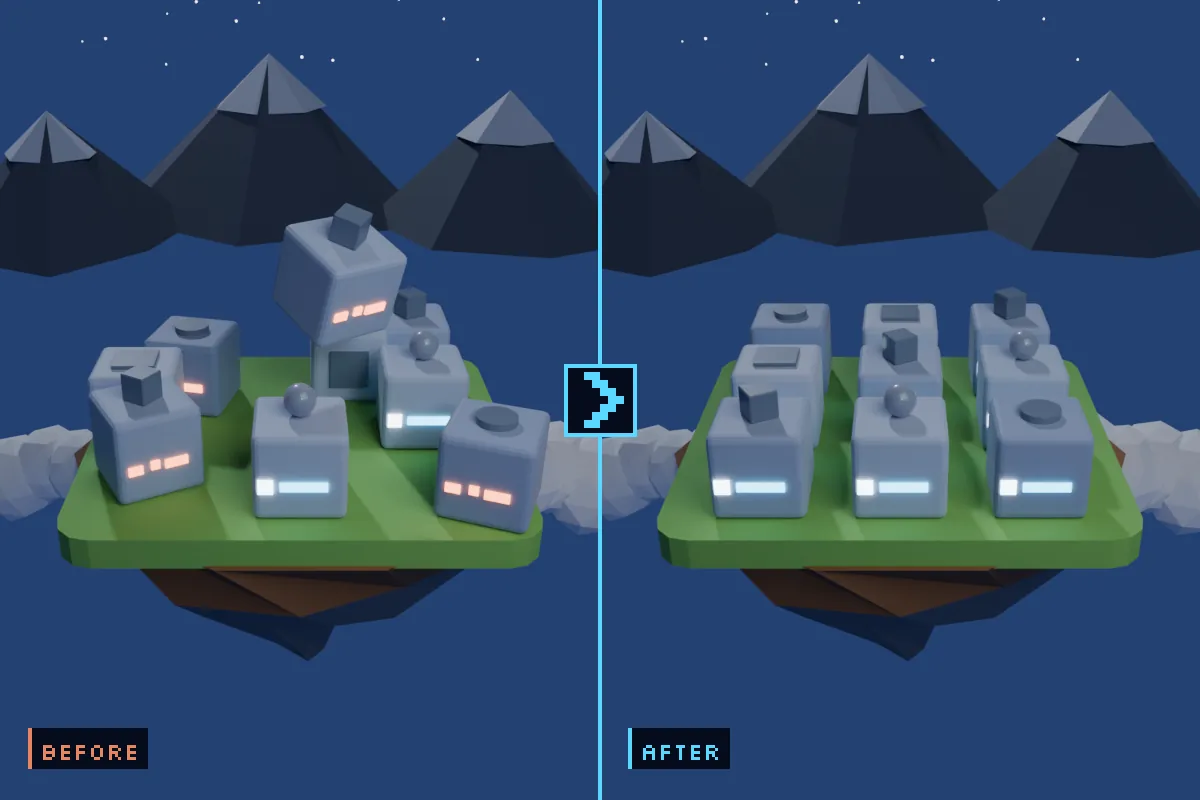
Gives the team one convention. Rules live in a ScriptableObject you commit to version control, so everyone runs the same rules instead of one person’s memory.
Install
- Download the
.unitypackageabove. - In Unity: Assets ▸ Import Package ▸ Custom Package… and pick it.
- Leave everything ticked, click Import.
- Open Tools ▸ Asset Naming Manager ▸ Open Window and click Scan.
A rule set is already active on the Unity Standard convention, so there is nothing to set up. A Demo folder of deliberately misnamed files is included — scan it first and see ten findings before you point the tool at anything you care about.
Requirements
- Unity 2022.3 LTS or newer. Verified on 2022.3, Unity 6000.4, 6000.5 and 6000.6.
- Built-in, URP and HDRP alike — this reads file names, not shaders.
- Editor-only assembly. Nothing compiles into a player, so it adds zero bytes to your build.
- No dependencies, no DLLs, no account, no network calls. Full C# source included.
Licence
Free for personal and commercial projects, on any number of machines, including committing it to your team’s own private source control. You may not redistribute or resell it. Read the full licence.
Changelog
Support
Something wrong, or a rule you cannot express? Email chaturvedisuryadev1@gmail.com.